How to setup Australia Post Satchel rates
Last updated: April 29th, 2024
In this article:
How to setup Australia Post Satchel rates
Step 1:
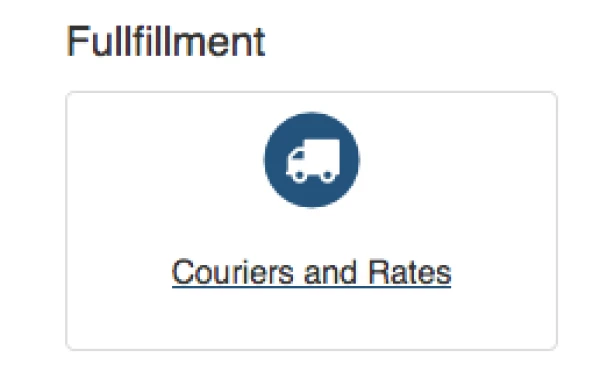
Go to Settings > Couriers and Rates > Create New
Step 2:
Select Others Couriers
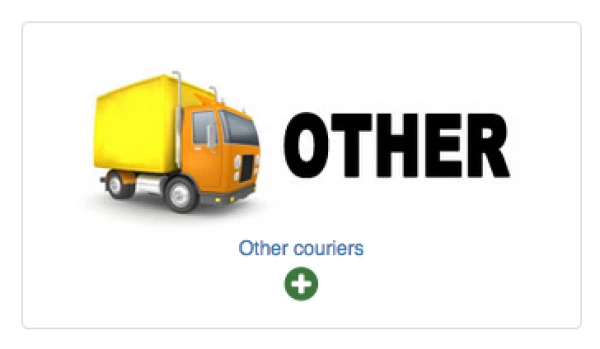
Step 3:
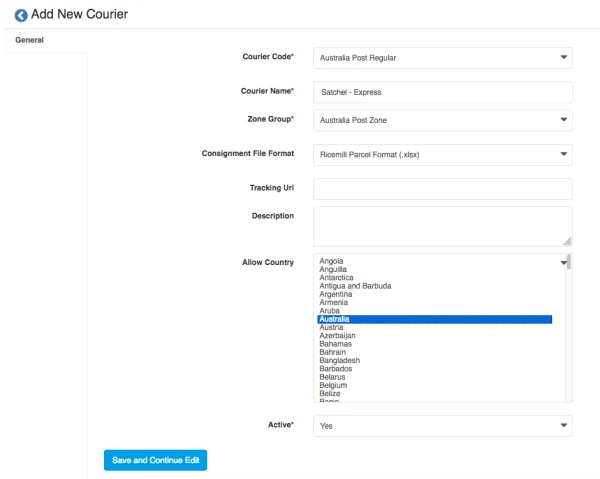
Fill in the info as below and click on "Save and Continue Edit"
- Courier Code -> "Australia Post Regular"
- Courier Name -> Eg "Satchel - Express" or "Satchel - Standard"
- Zone Group -> Australia Post Zone
- File Format -> Ricemill Parcel Format
- Country -> Australia
- Active -> Yes
Step 4: Settings
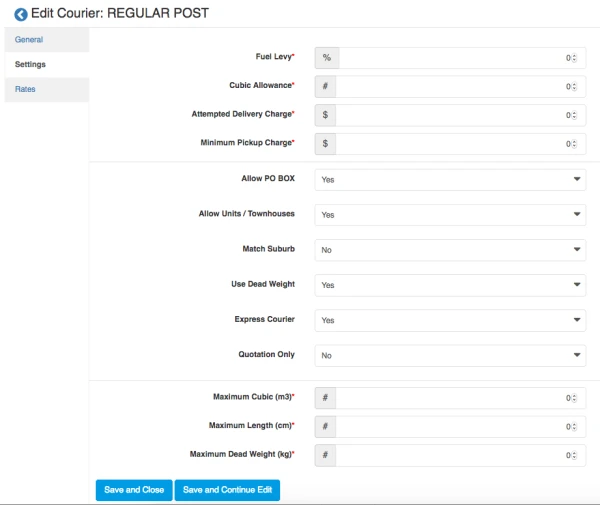
Click on "Settings" Tab, and fill in Courier setting, then click on "Save and Continue Edit"
- If it is Express post, under "Express Courier", please select "Yes"
Step 5: Rates
Click on "Rate" tab > "+Add new rate"

Step 6: Fill in the rate
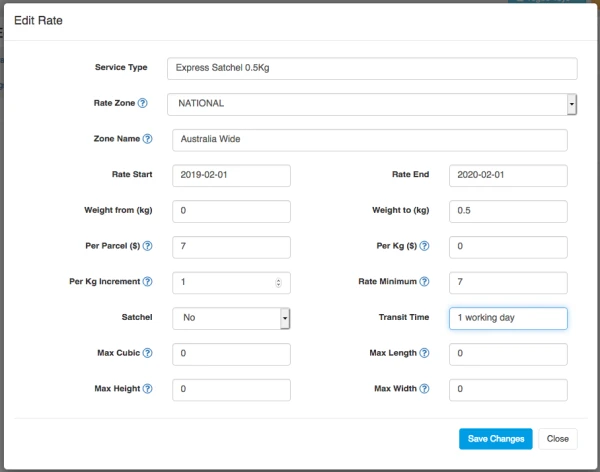
- Fill in the rate table, see example below:
- For Service Type, can use eg "Express Satchel 0.5kg" to describe the service
- Then Save Change
- Important Note: For Satchel, select "NO"
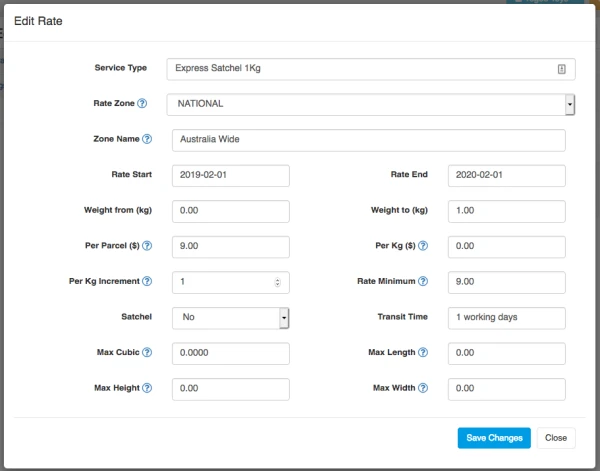
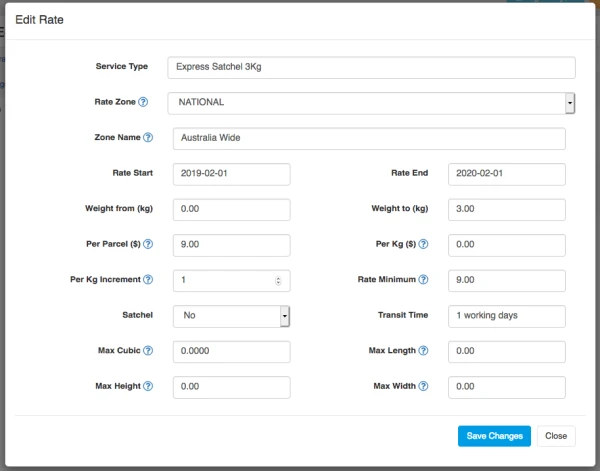
- Repeat this step for another rate for example satchel 1kg, 3kg