How to Create a New Customer
Last updated: April 23rd, 2024
In this article:
How to Create a New Customer
Step 1:
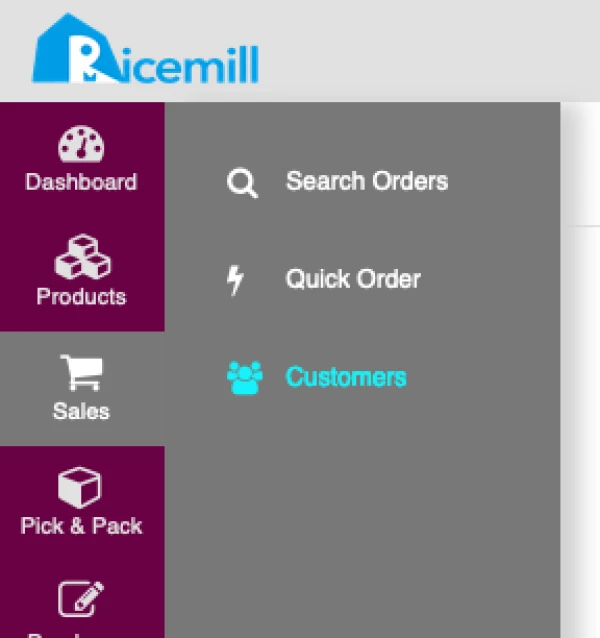
- Go to Sales > Customers
Step 2:
- Click on the Create New button on the top right window.

Step 3:
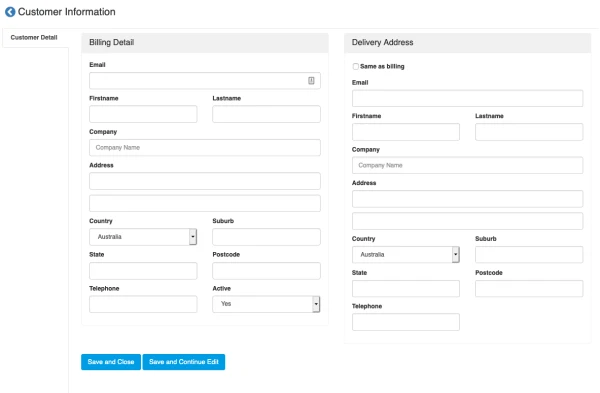
- Enter the customer’s details and make sure to select "Yes" for "Active" field.
- Click "Save and Close" button