How to bulk update product retail price via csv import
Last updated: April 19th, 2024
In this article:
How to bulk update product retail price via csv import
Step 1:
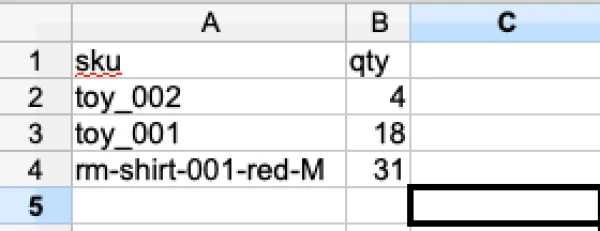
- Create csv file with only 'sku' and 'retail_price'.
Only create header with 'sku' and 'retail_price', do not add any other field in header with empty value, else existing data will be replace with empty value.
Step 2:
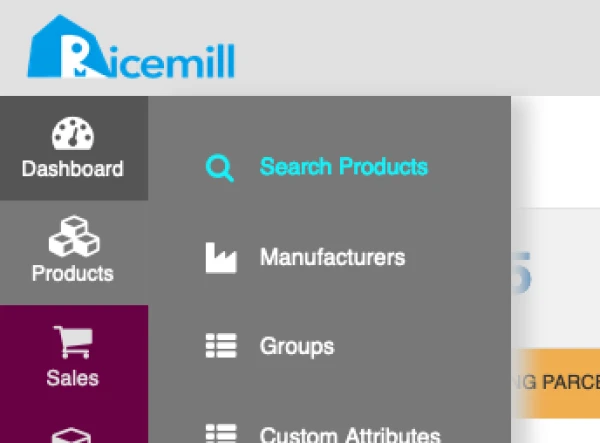
- Go to Products > Search Products
Step 3:
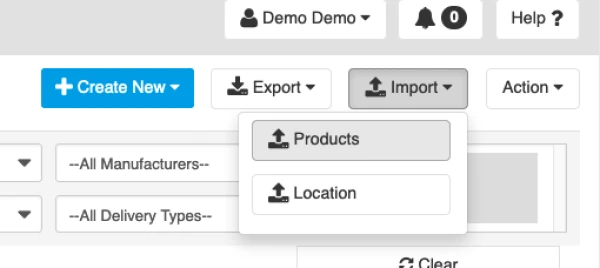
- Click on 'Import' > 'Product'
Step 4:
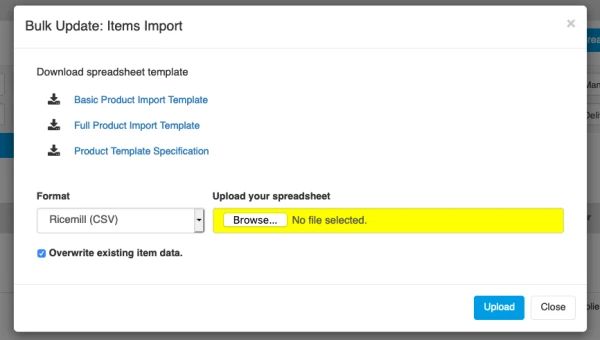
- Select 'Ricemill (CSV)' format
- click on 'Overwrite existing item data'
- upload the csv file create in step 1 and click 'Upload'