How to calculate Inventory value at the select date.
Last updated: April 22nd, 2024
In this article:
How to calculate Inventory value at the select date.
Example: Inventory total on 30 June 2019
Step 1:
Get current total inventory value.
- Go to Reports > Inventory > Inventory Total Group By Supplier
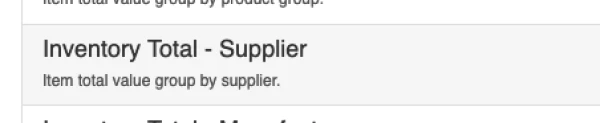
- Select Internal Stock Only -> Yes and search

- Current total inventory value = Grand total in Total Vlaue(Average Cost) column. Example below: $63194.75
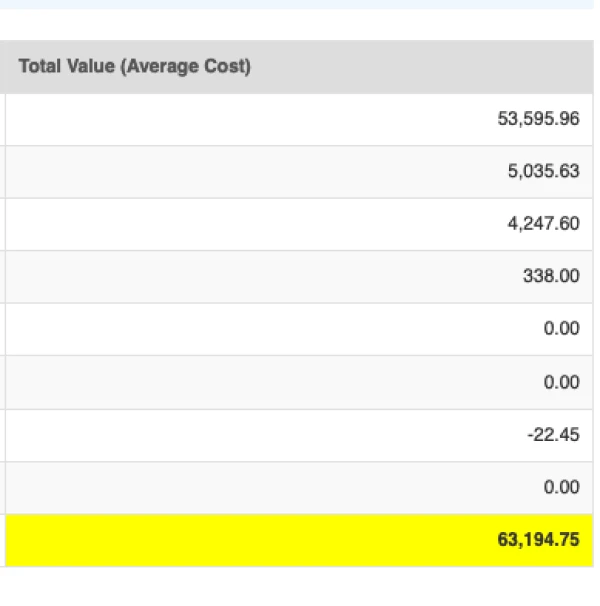
Step 2: Get COGS after 30 June 2019
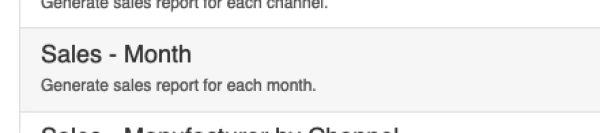
- Go to Reports > Sales > Sales - Month
- Select Date from 2019-07-01 to current date and click "Search".
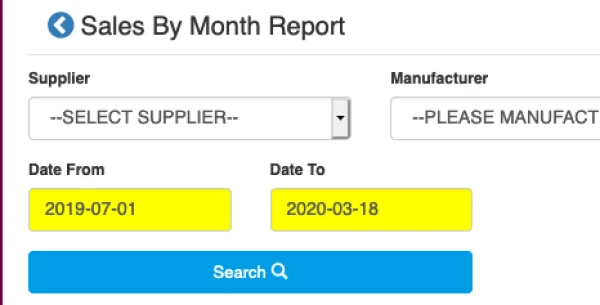
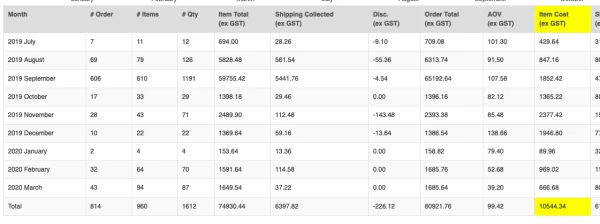
- At result data table, find the total Item Cost(ex GST), Example below: $10544.34
Step 3: Get total Purchase Order value after 30 June 2019
- Go to Purchase > Search Purchases
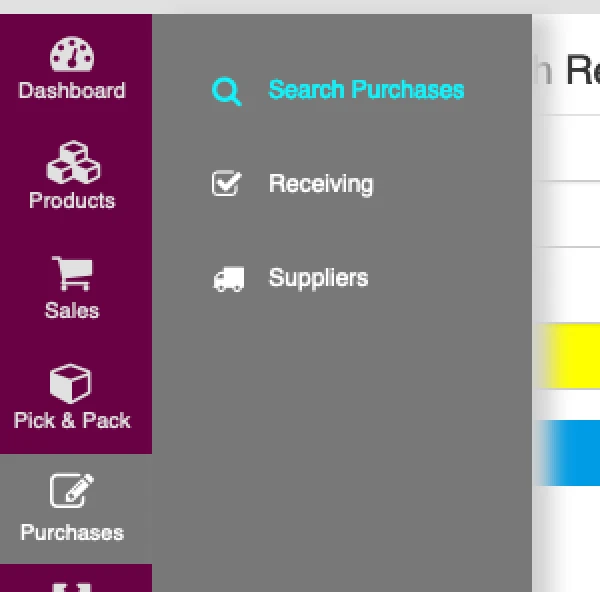
- Select Date from 2019-07-01 to current date, select search by "Invoice Date", Select status "Published" and click "Search".

- At the result table, scroll to the end and get the Total purchase value of this page, in example below: $6490.19 (This is the total of current page only)
- If result show more than 1 page, add up all the page total value.

Step 4: Calculate inventory value on 30 June 2019
inventory value on 30 June 2019 = (Current Inventory value) - (PO total after 31/06/19) + (Cogs after 31/06/19)
In Our example:
Current Inventory value = $63194.75 PO total after 31/06/19 = $6490.19 Cogs after 31/06/19 = $10544.34
inventory value on 30 June 2019 = $63194.75 - $6490.19 + $10544.34 = $67,248.9