How to delete a product
Last updated: April 19th, 2024
In this article:
How to delete a product.
Step 1:
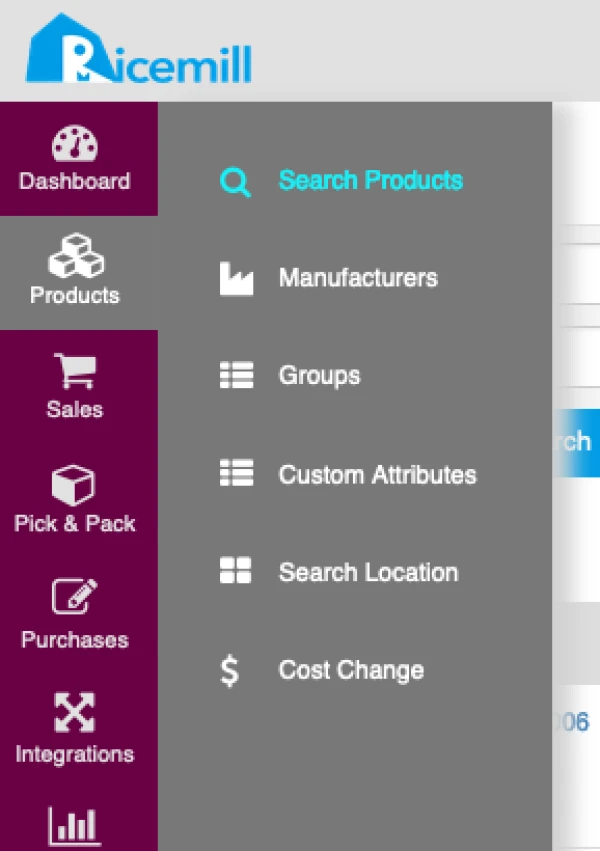
- Go to Products > Search Products
Step 2:
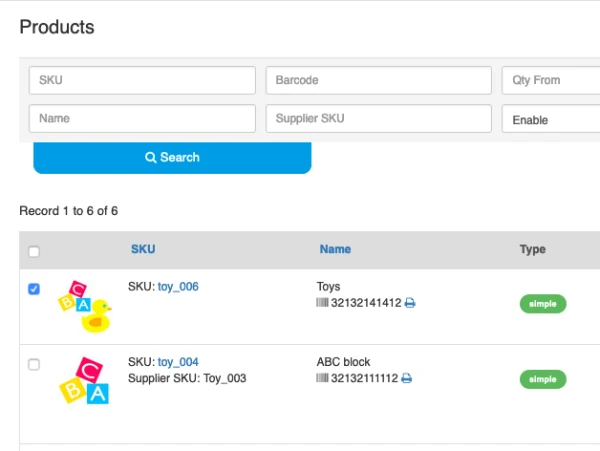
- Select product(s) you want to delete
Step 3:
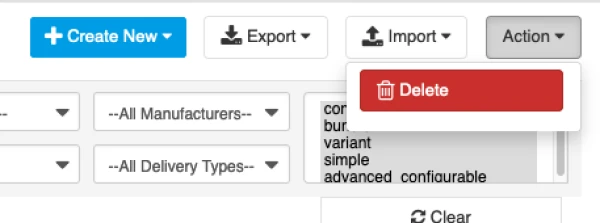
- Click on "Action" button at top right corner, then select "Delete" from dropdown
Step 4:
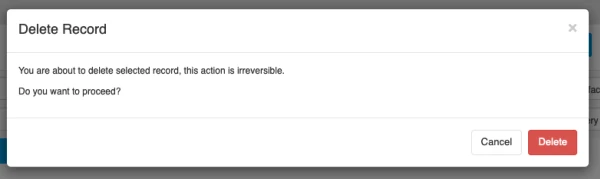
- Confirm and delete the product