How to import new simple product using CSV
Last updated: April 19th, 2024
How to import new simple product using CSV
Step 1:
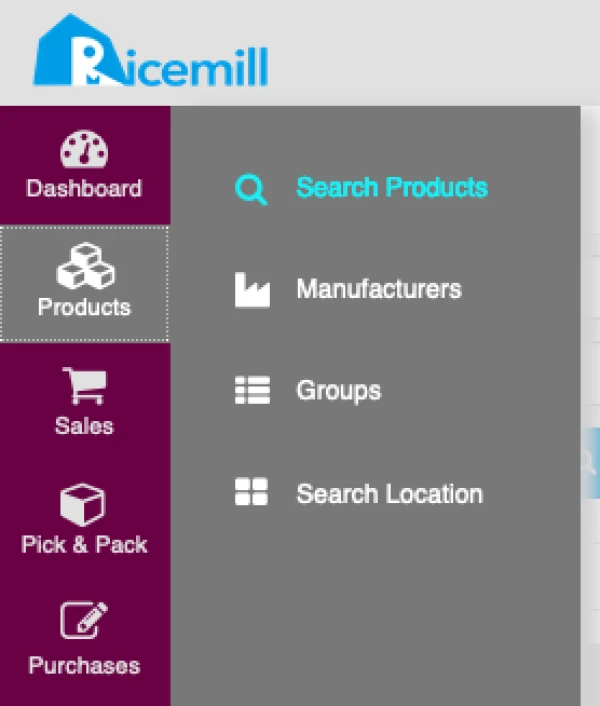
- Go to Products -> Search Products
Step 2:
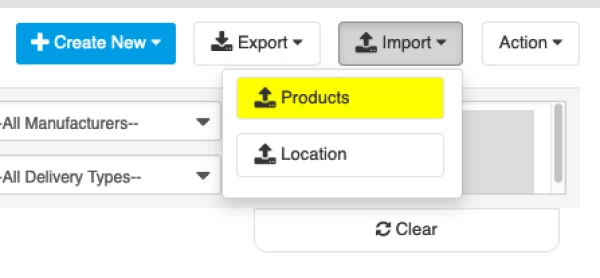
- Click on Import -> Products
Step 3
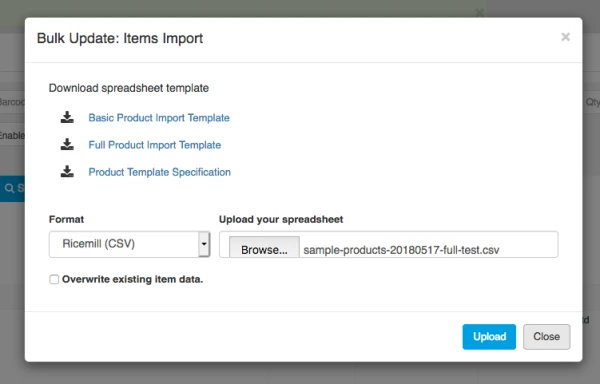
- Select the file you want to import and click on "Upload".
- WARNING: If you choose "Overwrite existing item data", it will Overwrite your existing item.
Simple Product CSV Specification
Simple item import file format:
Download a sample import template Full Product Import Template
Image URL Example:
https://yoururl/image1.jpg | https://yoururl/image2.jpg