How to create a return and restock items
Last updated: April 22nd, 2024
In this article:
How to create a return and restock items
- Create a quick order. Add item and change quantity to -ve value.
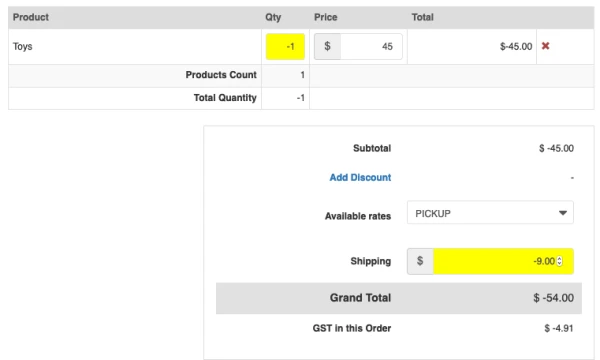
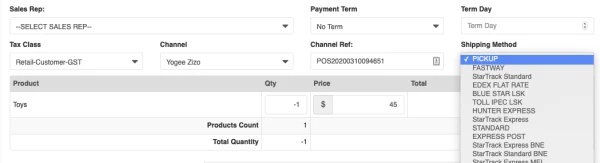
- Select PICKUP as a shipping method.
- Click Proceed and Invoice

- Select Mark order as Pick
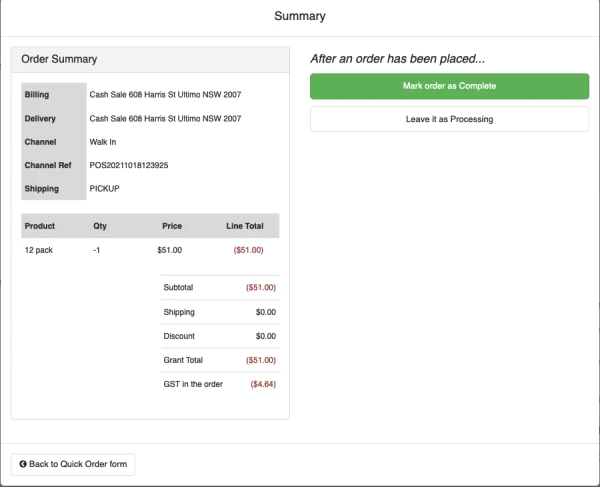
All quantity will return back to Primary's BIN Location.