How to verify sales orders?
Last updated: April 19th, 2024
Verify Sales Orders address and approve the order.
How to verify sales orders?
Step 1:
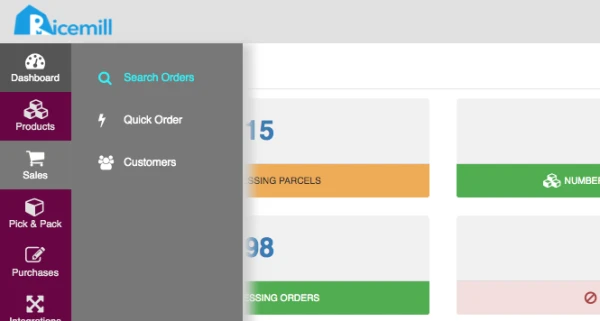
- Go to Sales > Search Order
Step 2:
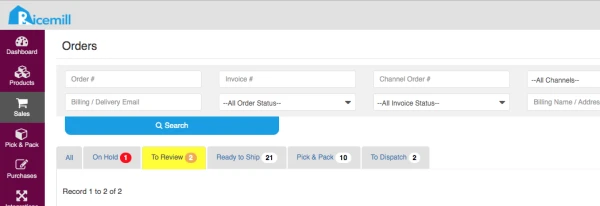
- Click on "To Review" tab to view all orders that need to verify.
Step 3:
- Check the "Reason" column to find what is the reason order need to be verified.
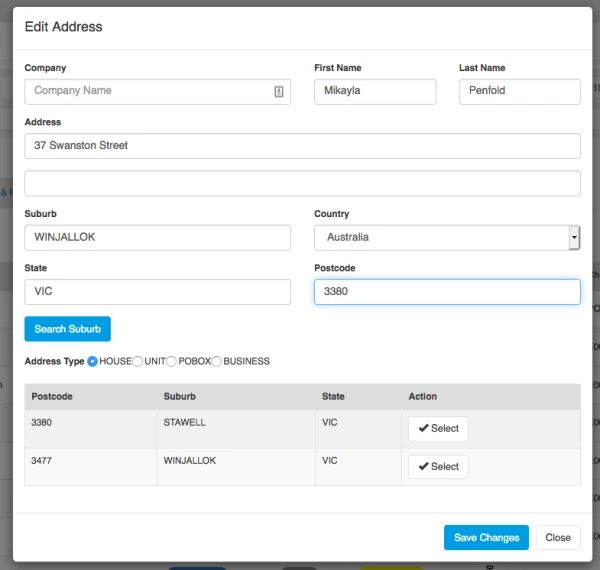
- Click on "Verify Address" or "Approve" button to correct address or approve the order.
- For address verification, please check if Suburb name and postcode match.