Setup Warehouse BIN Locations
Last updated: April 17th, 2024
In this article:
Setup Warehouse BIN Locations
- Select "Settings" > "Warehouse" from side menu.
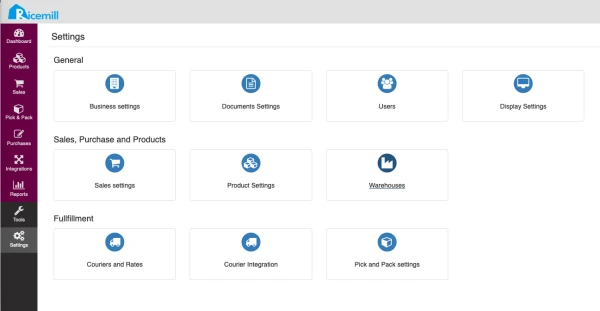
- Click "Edit" under the warehouse
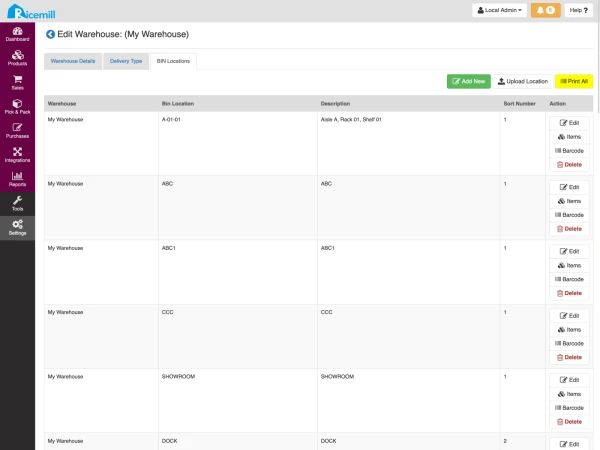
- Select "BIN Locations" tab
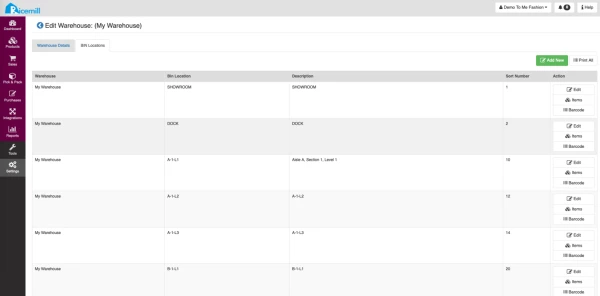
- Click "Add New"
- Enter BIN Location, description and sort number.
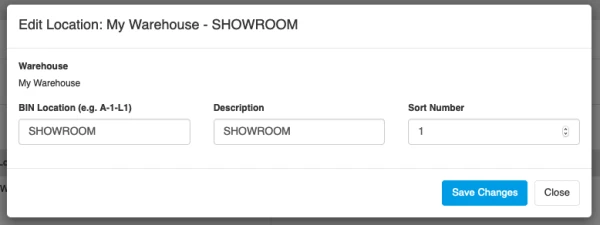
- Click "Save Changes"
Print BIN Locations Labels
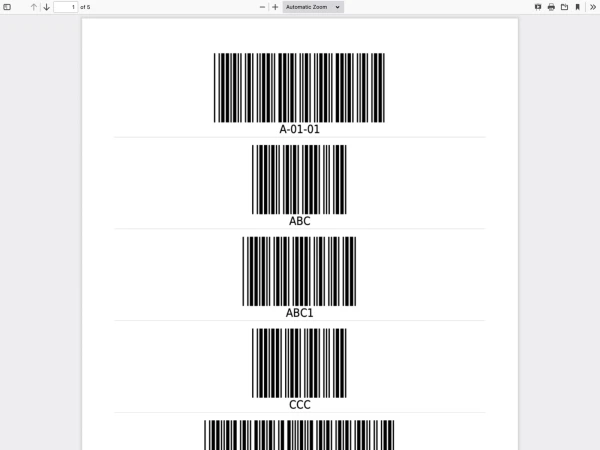
After BIN locations are set up, you can print out the barcode labels and stick them on the shelves.
- Select "BIN Locations" tab
- Click "Print All"