How to bulk create Shipment?
Last updated: April 19th, 2024
In this article:
Generate new Shipments
Step 1:
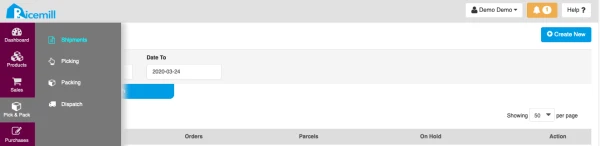
- Go to Pick & Pack > Shipments.
- Click "Create New"
Step 2:
- Click "Create New" on the top right window.

Step 3:
- You can search parcel using "Search".
- Select the parcels you want to pick and pack.
- Review all the Parcels.
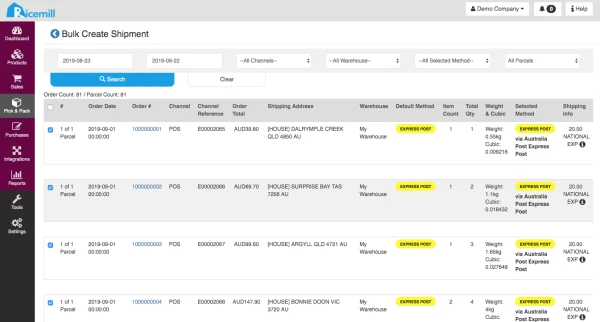
- Review the Comment for each parcel and edit it if required. Make sure the selection of Shipping Instruction or Gift Message is correct. Select "Ignore Message" if the Comment is not applicable.

Step 4:
- Click "Create Shipments" to generate shipment.

- You will be redirected to the **Shipments Parcel List **screen.
Step 5: (Optional) Print Packing Slips
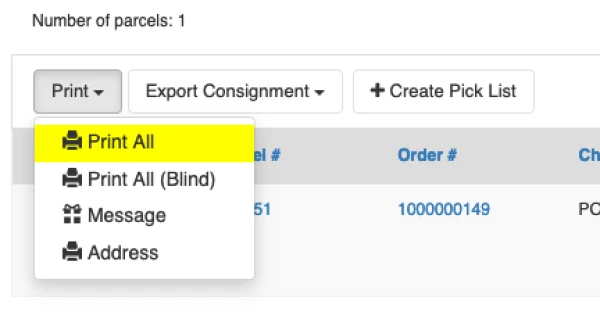
- Select parcels you want to print packing slip, then select "Print" > "Print All"
- The Packing slip will appear in a new window/tab.