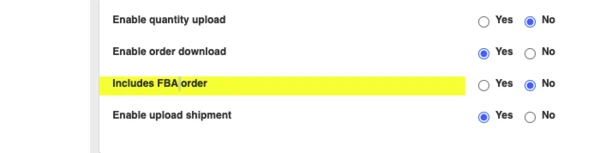
How to enable FBA order download
Last updated: April 24th, 2024
In this article:
How to enable FBA order download
Only orders with "Shipped" status will be downloaded.
Step 1:
- Go to Integrations > Sales Channels
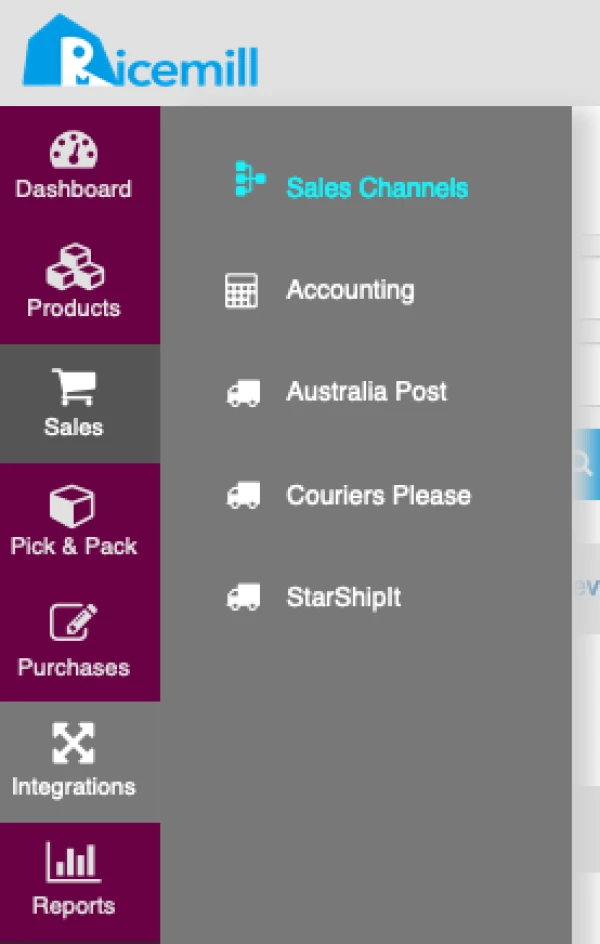
Step 2:
- Select "Amazon" channel.
- Click on "Setting" button

Step 3:
- Browse to "Amazon Integration Settings"
- Select "Yes" for "Includes FBA order"
- Click "Save Changes"