How does the Catch Australia integration work
Last updated: April 23rd, 2024
In this article:
Catch Australia Integration Overview
Products & Offers
- Connect to Catch Australia
- Product Upload - You'll need to manually upload the product via Catch Marketplace.
- Offer Upload - You'll need to manually upload the offer via Catch Marketplace.
- Offer Update - Quantity & price will be automatically updated every 15-30 minutes.
Orders
Order Approval - Order approvals can be made via Ricemill->Integrations.
- Click Open button next to Catch Channel.
- List all orders with status = "Waiting Acceptance".
- Click "Accept Order".
- It will takes 60 minutes for Catch to process payment from customer.
- Order will be automatically imported after payment accepted.
Shipment & Tracking
- Shipping method and tracking will be uploaded to Catch Australia after order dispatched.
How to Connect to Catch Marketplace
Step 1: Add New Channel
- Login to Ricemill Account.
- Go to Integrations, then click on "Add Channel" button.
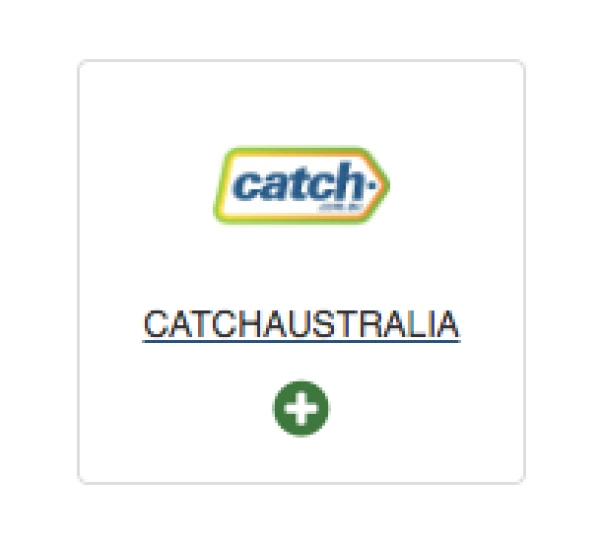
- Click on "CATCHAUSTRALIA".
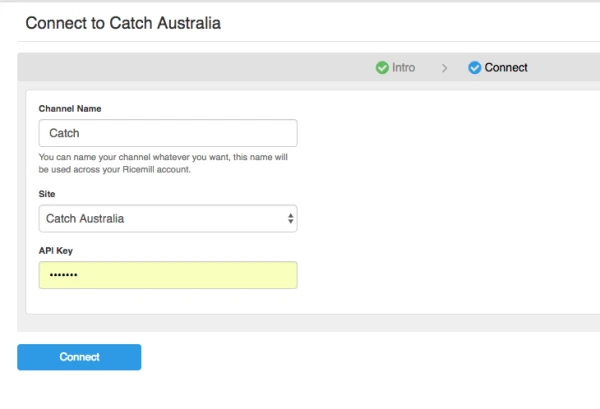
Step 2: Enter API key from Catch Australia
- Fill in the form to setup your Catch channel.
- You need to generate API key from Catch and fill in the form. (See How to generate API key from Catch Australia?)
Step 3: Enable sync
- Go to Integration
- Find Catch channel and click on setting button
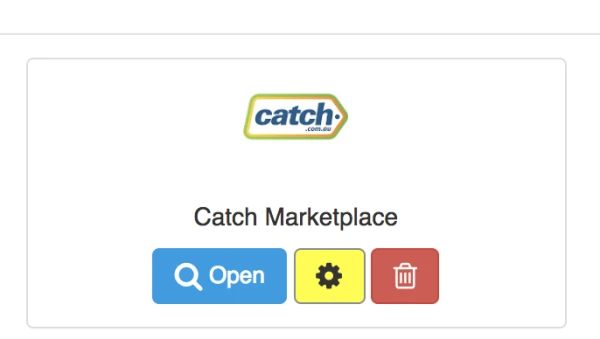
- Go to Section "Catch Australia Integration Settings", and select the sync options you would like to enable.
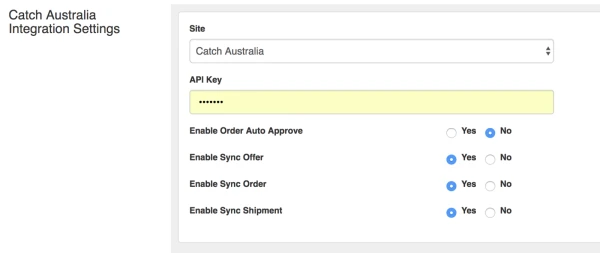
- Enable Order Auto Approve - Auto approved all your "Waiting Acceptance" Order. Order may take some times for Catch to update the order status before it can be download to Ricemill. _Note: Need to Enable "Enable Sync Order" to be able to use this option. _
- Enable Sync Offer - Update quantity and price.
- Enable Sync Order - Reserve item and auto download order from Catch.
- Enable Sync Shipment - Auto upload shipment details to Catch.
Step 4: Assign product to Channel
|| For product quantity and retail price sync
- Login to Ricemill account.
- Select item you want to add to Catch.
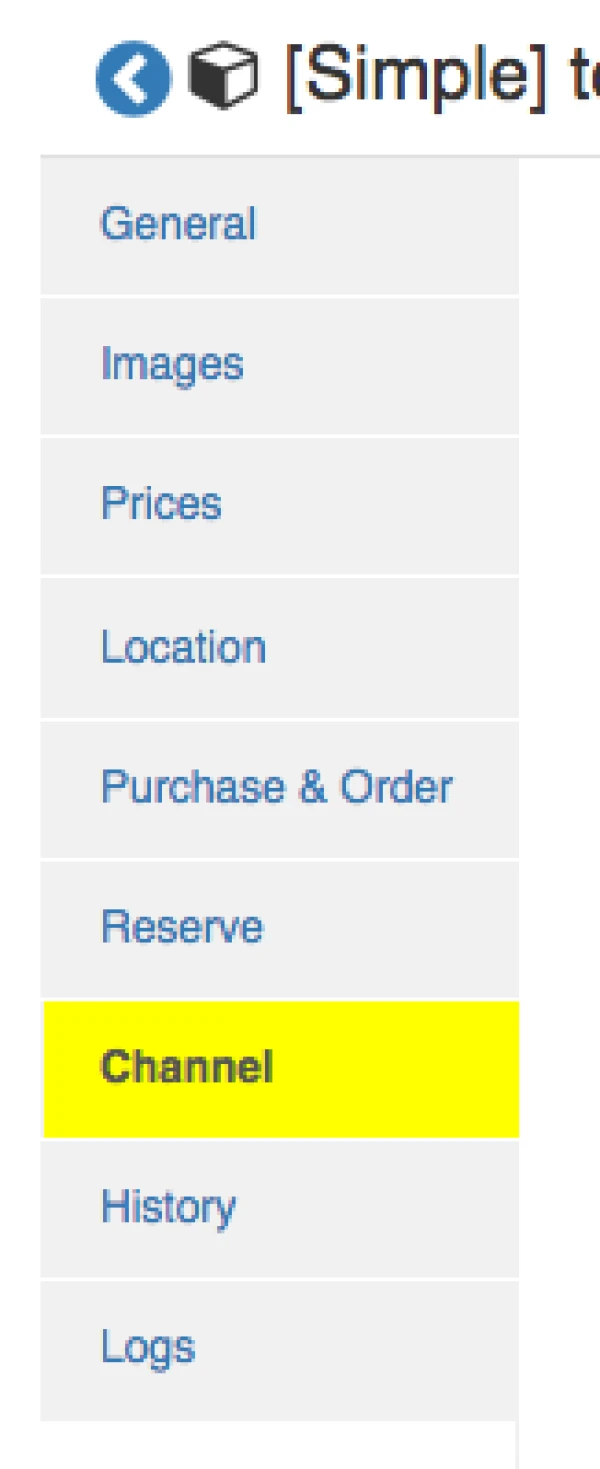
- At Product view page, click on "Channel" tab.
- Tick on Catch channel and save.

Step 5: Upload offer to Catch Australia
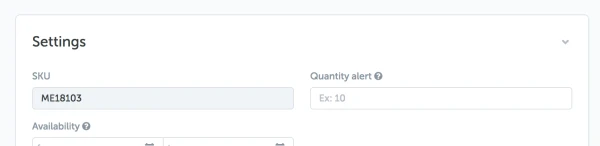
- Ricemill currently not able to upload offer to Catch directly, you need to manually submit offer to Catch.
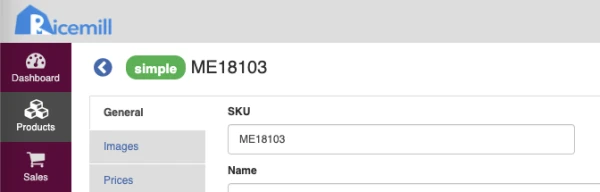
- Please make sure the SKU use in Catch's Offer > Settings match SKU in Ricemill.
Catch Australia
Ricemill
How to generate API key from Catch Australia
- Login to your catch account.
- Click on your email address link on top right.

- Select "API Key" Tab.
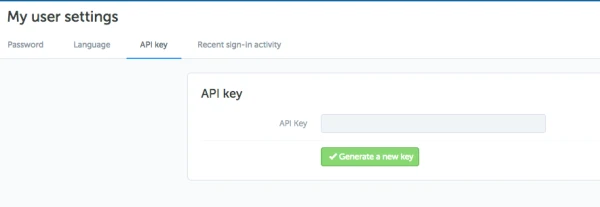
- Click on "Generate a new key".