How to configure price surcharge for eBay listings
Last updated: April 26th, 2024
In this article:
How to configure price surcharge for eBay listings
Step 1:
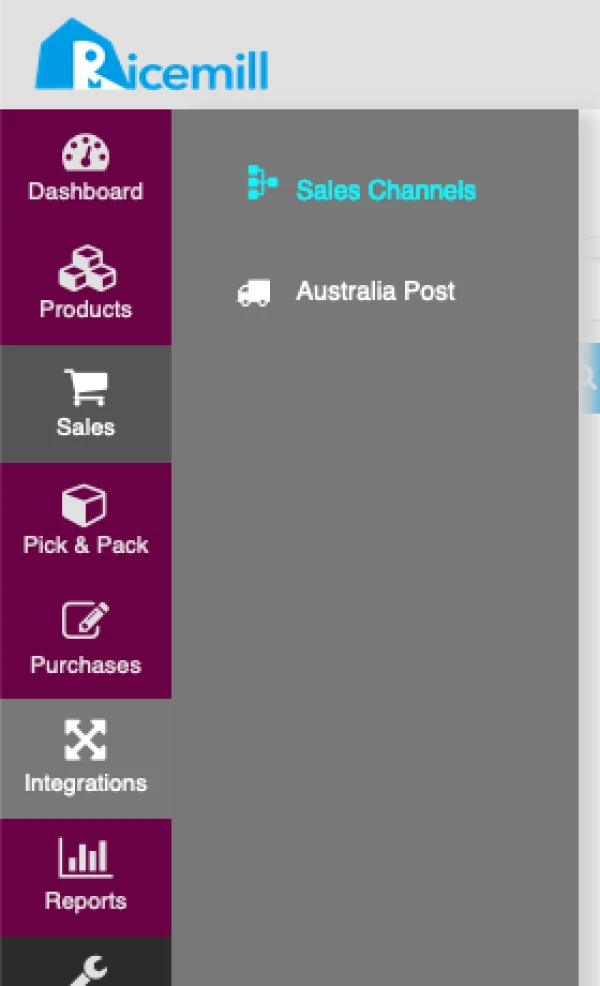
- Go to Integrations > Sales Channels
Step 2:
- Choose your eBay channel and click on "Open" button.

Step 3:
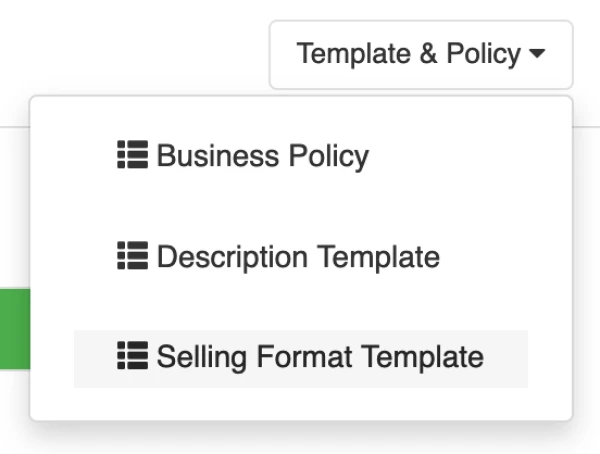
- Click Template & Policy -> Selling Format Template
Step 4:
- Click Edit on Selling format you want to add surcharge

Step 5:
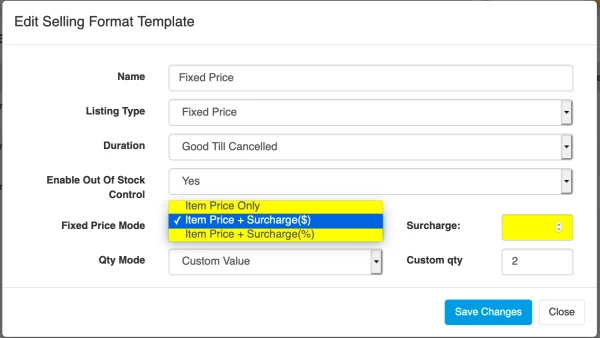
- Select mode from the "Fixed Price Mode” dropdown.
- You can choose to add surcharge in dollar values ($) or in percentage (%)
- Set surcharge value
- Click Save
Step 6:
- Revise your existing eBay listing that use this Selling Format template.