How to list a product to eBay
Last updated: April 26th, 2024
In this article:
How to list a product to eBay (Video)
How to list a product to eBay
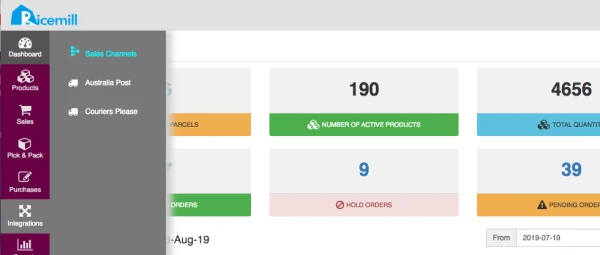
- Go to Integrations > Sales Channels
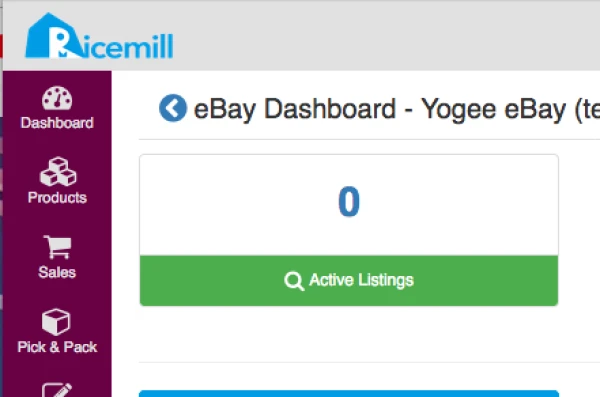
- Click on "Active Listings" link on eBay Dashboard.
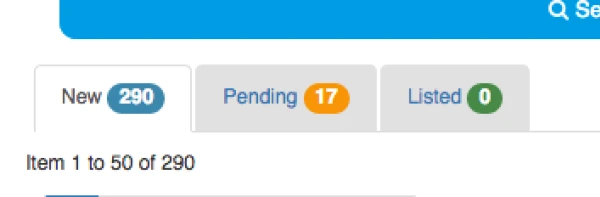
- Click on the "New" tab on the screen.
- Select the item you want to list and click on "Create Template".

-
Fill in the listing information, most of the info has been auto filled in for you based on the product information.
-
Select the eBay category by click on "Get Suggested Categories" or Browse eBay Categories.

- Select the Payment, Postage and Return Policy.

- Click on "Save Template".

- After you save the template, the item will now show in the "Pending" tab, click on "Pending" tab.
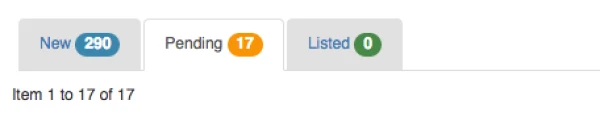
- Click on "List New" button on the item you want to list to eBay.

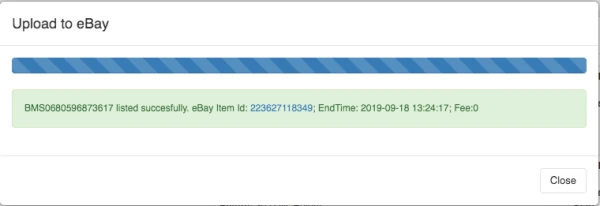
- You can view the listing on eBay by clicking on the eBay item id