How to manually import a product from eBay
Last updated: April 26th, 2024
In this article:
How to manually import a product from eBay
Step 1:
- Go to Integrations
Step 2:
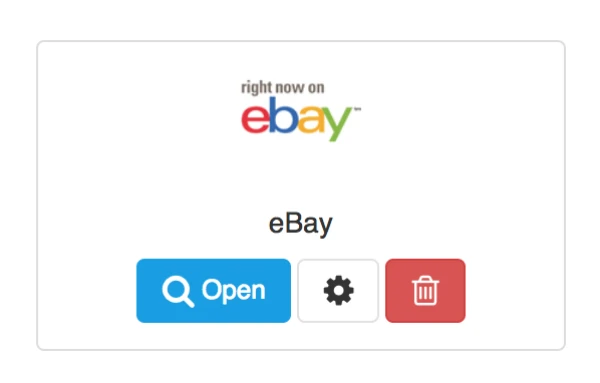
- Select the ebay channel you want to import product from.
- Click on Open button.
Step 3:

- Go to "Search Item" section of the page.
- Enter eBay Item id, and click "Search Item". See How to get eBay item id?.
Step 4:

- Select the item you want to import.
Note: If you select Override existing product, it will overwrite your existing product. Please select it only if you want to overwrite existing product information.
- Click on "Import Item" to import product.