How to opt-in eBay Business Policy and Import into Ricemill.
Last updated: April 26th, 2024
In this article:
How to opt-in eBay Business Policy
From eBay
Step 1:
- Login into your eBay account

Step 2:
-
Go to Business Policies (https://www.bizpolicy.ebay.com.au/businesspolicy/policyoptin)
-
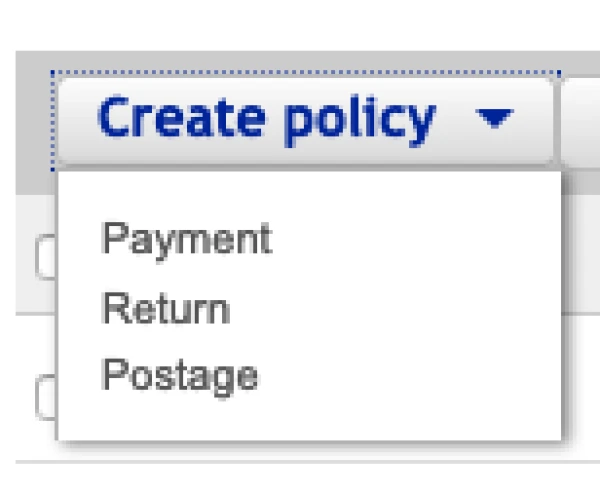
From the Create policy dropdown, select a policy type.
-
Create at least one policy each for Payment, Return and Postage.
You can learn more about eBay Business Policy.
How to import eBay Business Policy from eBay to Ricemill
From Ricemill
Step 1:
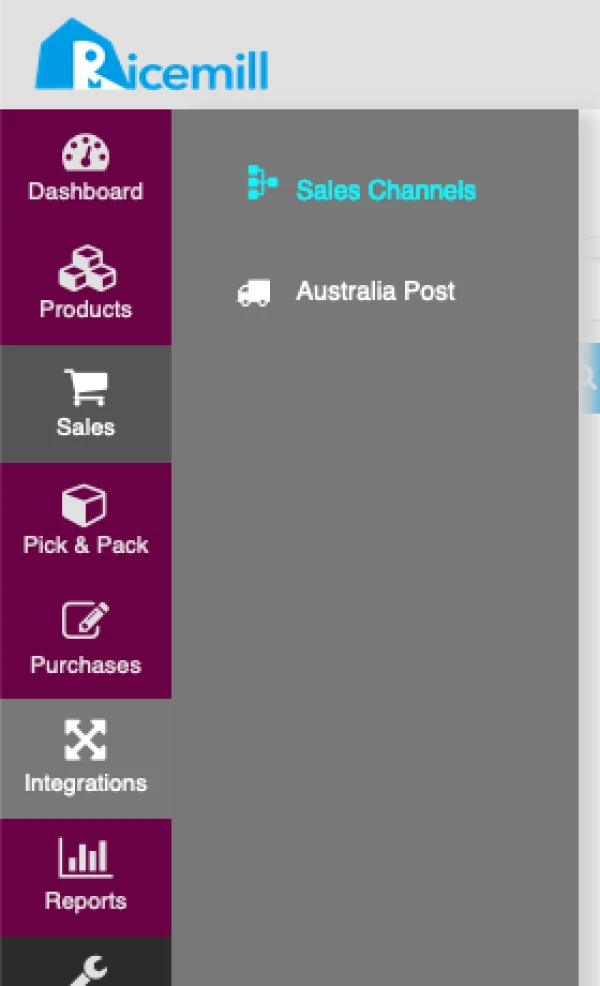
- Go to Integration > Sales Channel
Step 2:
- Choose your eBay channel and click on "Open" button.

Step 3:
-
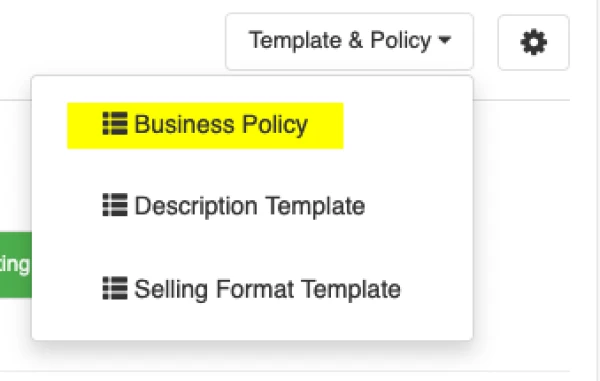
Click on "Template & Policy" button from the top right of the screen.
-
Select "Business Policy" from dropsown.
Step 4:
- Click on "Import Business Policy" button
