
Automatically replenish purchase orders: set it once, fix it every time.
Some purchase orders need a bit of math before they're ready to send, and that math is easy to get wrong when you're doing it by hand, purchase after purchase. Meet Rules: tell Ricemill | Inventory what to watch for once, and it fixes every purchase that matches, automatically.
The use case: automatically replenishing preorders
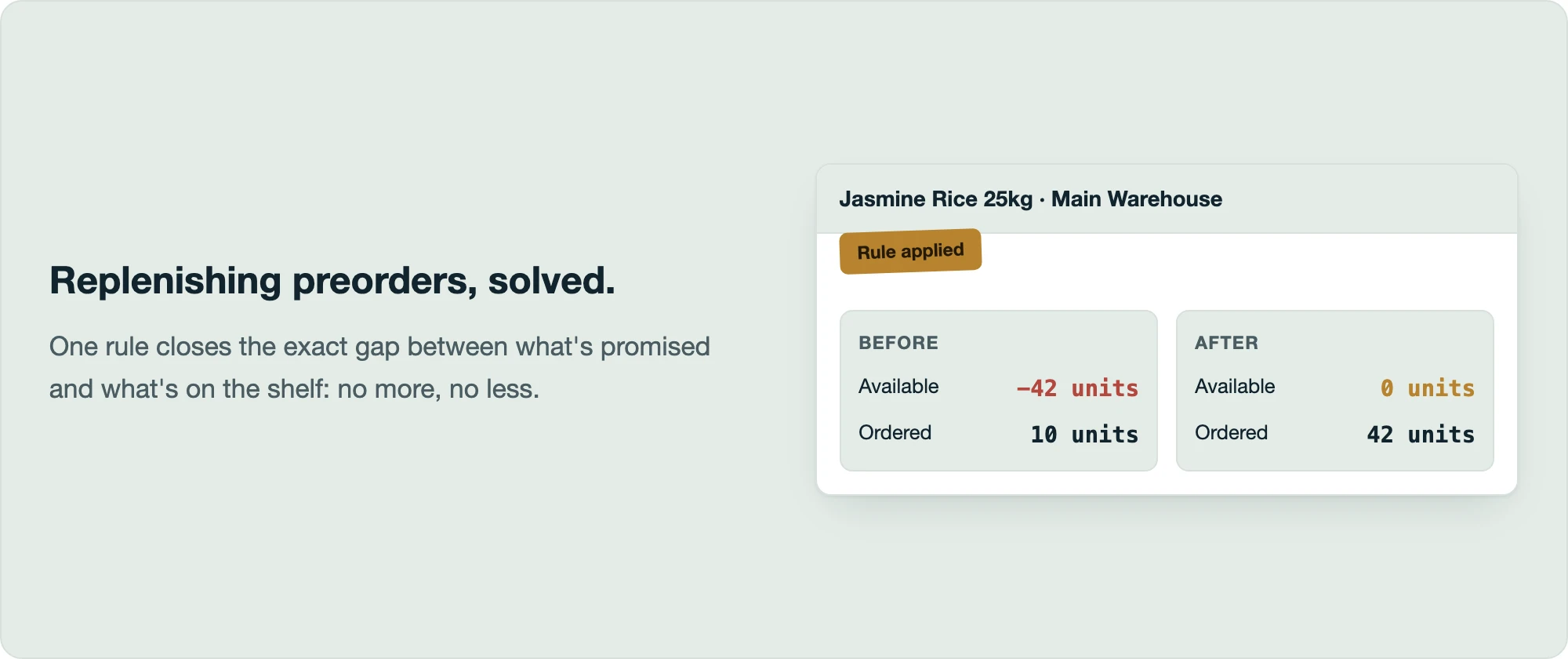
Here's a real example from one of our customers. Their business runs on preorders: customers reserve stock before it physically arrives. That's great for sales, but it means stock levels can go negative: more has been promised to customers than is actually sitting on the shelf.
When that happens, they raise a purchase order to top the stock back up. The tricky part is figuring out exactly how much to order. Order too little, and customers are still waiting. Order too much, and money is tied up in stock nobody asked for yet. Every purchase meant doing the same manual calculation: how much is on hand, how much has already been promised, what's the gap.
The solution: purchase order rules that close the exact gap
With Rules, they set this up once: "automatically calculate stock shortages and pre-fill the purchase quantity with only the amount needed to fulfill outstanding customer orders."
Now, whenever they raise a replenishment purchase, they open it and click one button. Ricemill | Inventory checks the numbers and sets each item's quantity to the exact amount needed, no more and no less, so preorders get fulfilled without overstocking.
How purchase order rules work
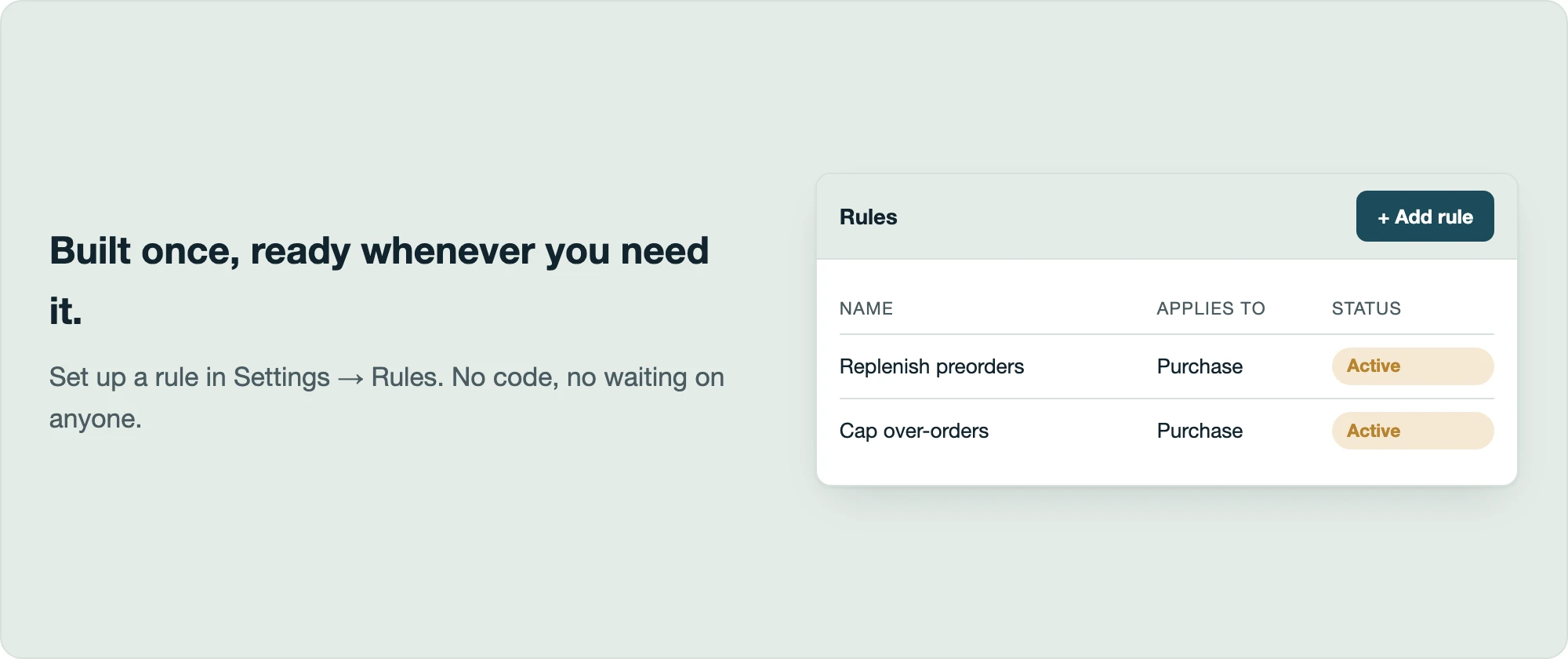
A Rule is a simple recipe you build once in Settings, in plain language, with no code involved:
- What should this rule apply to? Pick the kind of purchases you want it to look at (for example, purchases from a certain supplier or location).
- What should trigger it? Describe the situation you're watching for, like "stock at this location is running short."
- What should it do? Describe the fix, like "order enough to cover the shortfall" or "never order more than a set amount."
Save it, and it's ready to use on any purchase that matches.
Running a rule takes one click
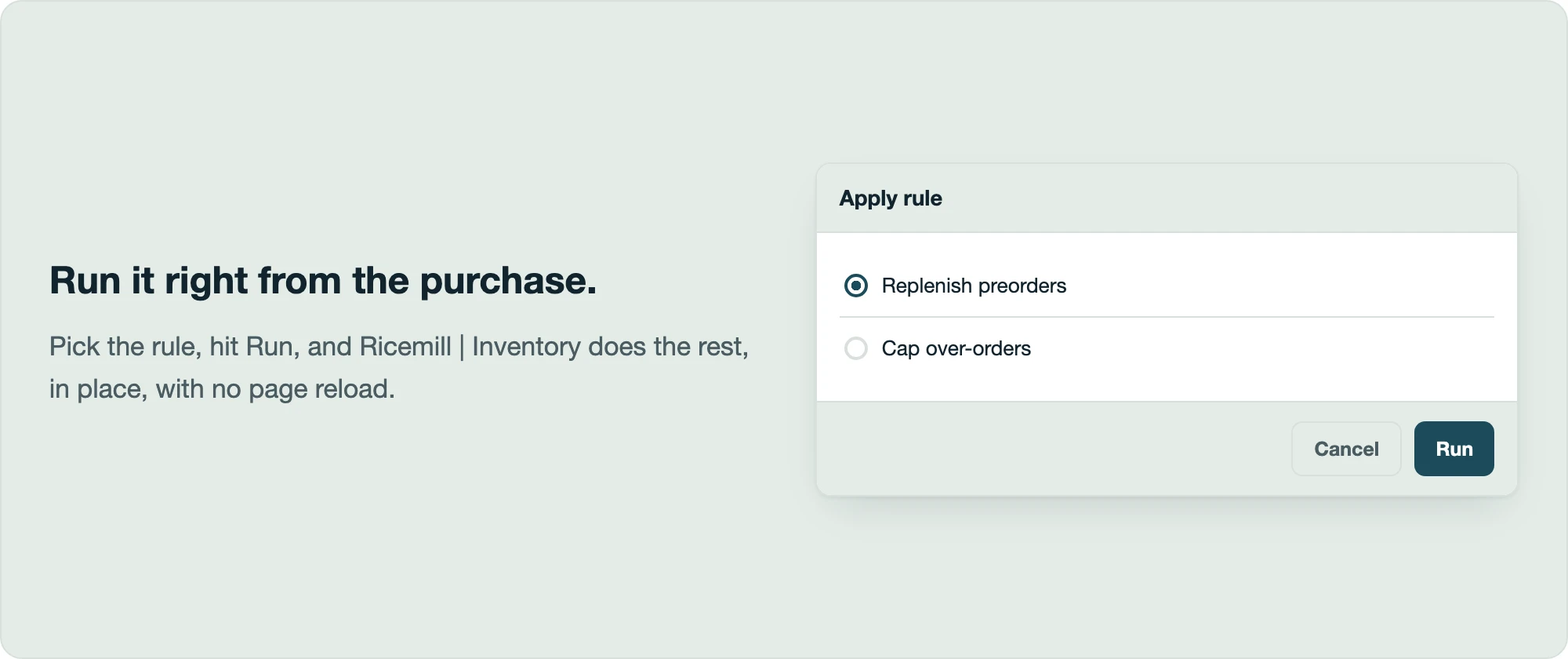
Open any purchase that's still in Draft and look under More actions: you'll find Apply rule. Pick the rule you want from the list and hit Run.
Ricemill | Inventory checks whether the rule applies to this purchase, and if it does, makes the fix right there: no page reload, nothing to re-type. You'll see a quick confirmation:
- The rule ran and the purchase was updated.
- Nothing needed changing: this purchase didn't need the fix.
- Something stopped it from running, with a plain explanation why.
Another common use: capping over-orders
Not every business is worried about ordering too little: some need the opposite guardrail. A rule can just as easily say "never let an item's ordered quantity go above this limit," catching accidental over-orders (say, a copied purchase where quantities weren't adjusted) before they go out to the supplier.
Why automatic replenishment matters
- Preorders get fulfilled, without overstocking. The exact gap gets closed, every time.
- Fewer costly mistakes. Over-ordering and under-ordering both get caught automatically.
- Consistency. The same rule runs the same way every time, no matter who's handling the purchase that day.
- No code, no waiting on anyone. Anyone with access to Settings can build or adjust a rule in minutes.
Give it a try
Install Ricemill | Inventory today, then head to Settings -> Rules and set up your first one. "Replenish preorders" is a great place to start if that's a pattern you deal with. Then open a Draft purchase and run it from More actions -> Apply rule.
More ways to trigger and configure Rules are on the way, including running them automatically on a schedule. If there's a calculation you keep doing by hand on your purchases, tell us about it. It's exactly the kind of thing Rules is built to take off your plate.