July 2nd, 2026
[Chrome Extension] Introducing WooCommerce to MyPost Business Importer

Chew Lim
If you run a WooCommerce store in Australia and use Australia Post MyPost Business to create shipments, you probably know the little bit of friction that happens on every order: copy the customer name, paste the address, copy the phone number, add parcel details, check everything again, then finally create the label.
That’s exactly the kind of repetitive task this new Chrome extension is designed to reduce.
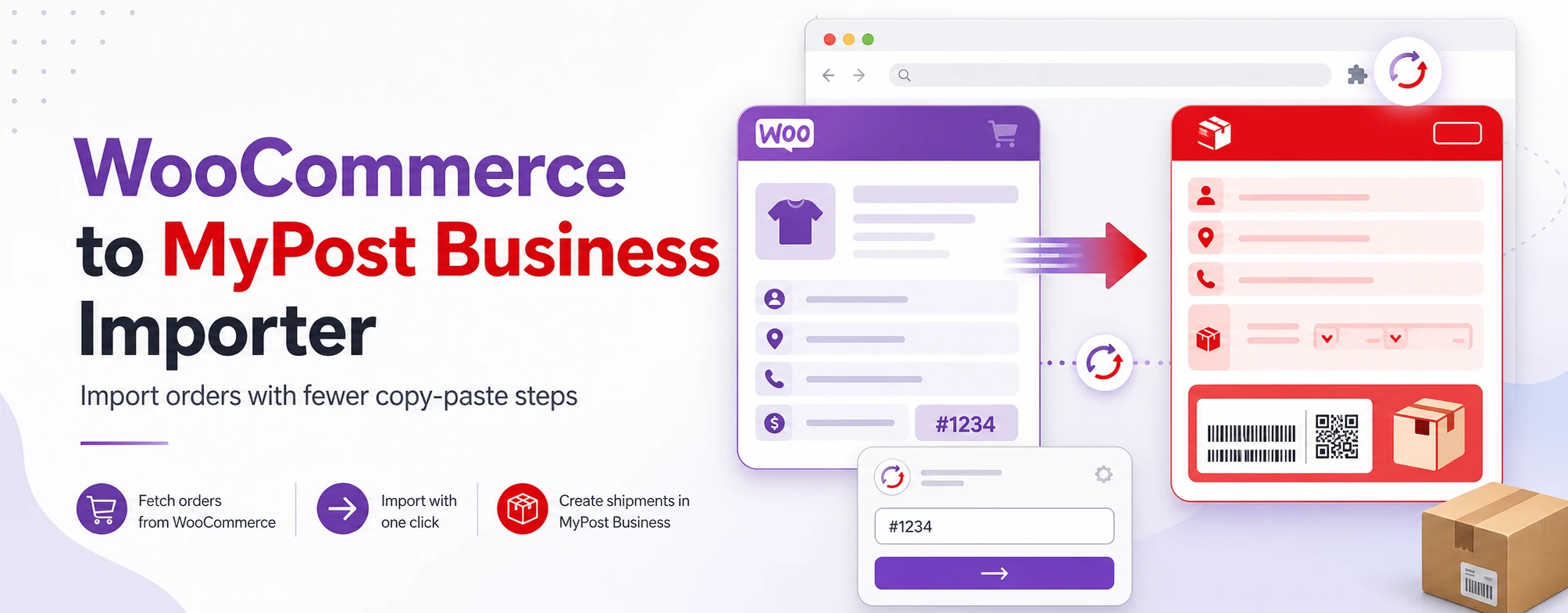
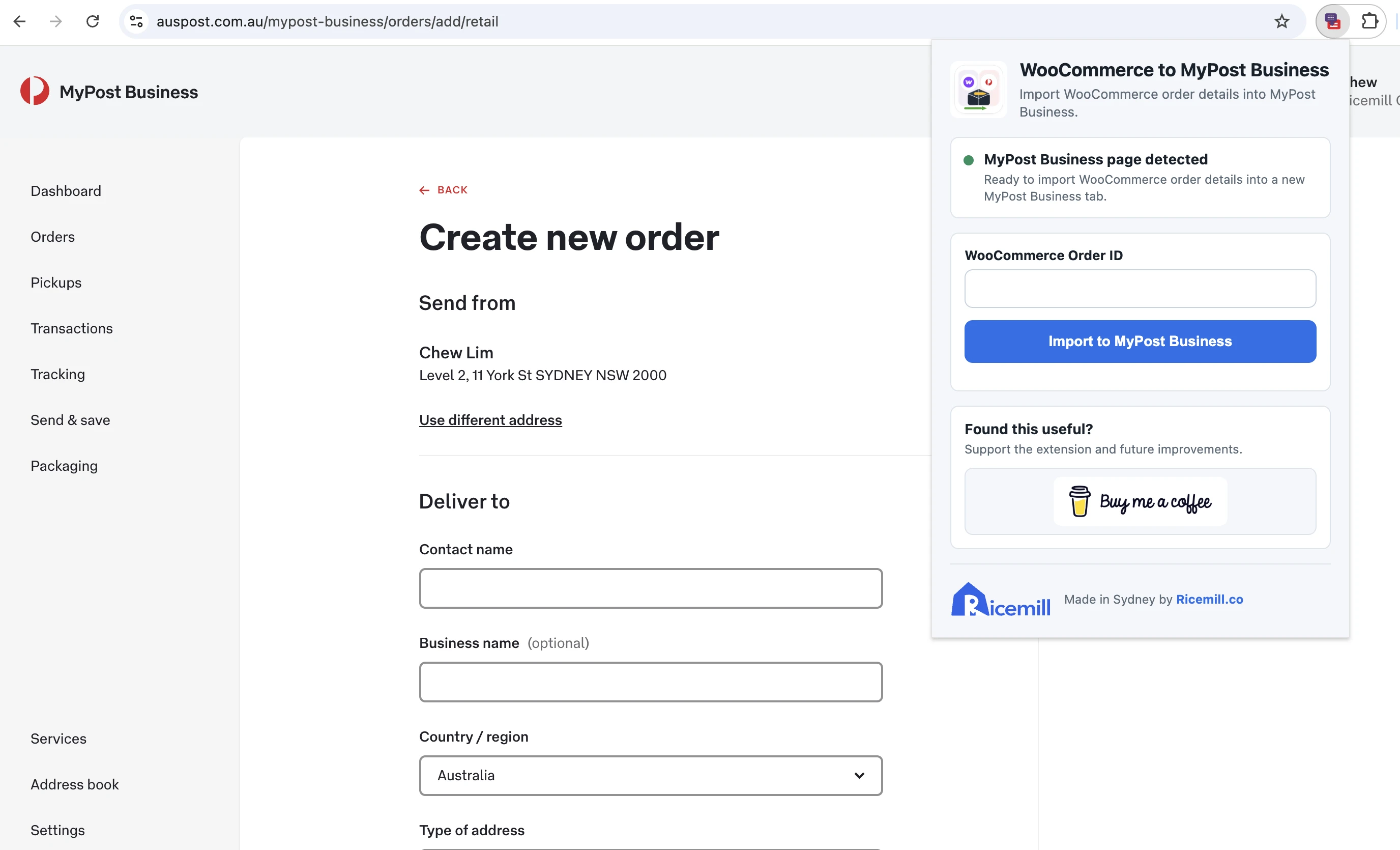
WooCommerce to MyPost Business Importer lets you fetch a WooCommerce order by order ID and import the order details into MyPost Business with a single click.
Watch The Demo
What It Does
The extension connects to your WooCommerce store using the official WooCommerce REST API. Once configured, you can enter a WooCommerce order ID, click Import to MyPost Business, and the extension will:
- Fetch the order details from WooCommerce
- Open the Australia Post MyPost Business retail order page
- Fill the MyPost Business form using the WooCommerce order data
- Populate customer contact details, shipping address, order reference, parcel contents, and parcel details
It supports both domestic and international orders, using the shipping address from WooCommerce as the source of truth.
Built For MyPost Business
This extension is designed specifically for Australia Post MyPost Business.
For safety, the extension only runs when you are already on an auspost.com.au page. From there, clicking import opens a new MyPost Business order tab and fills the form.
WooCommerce API Setup
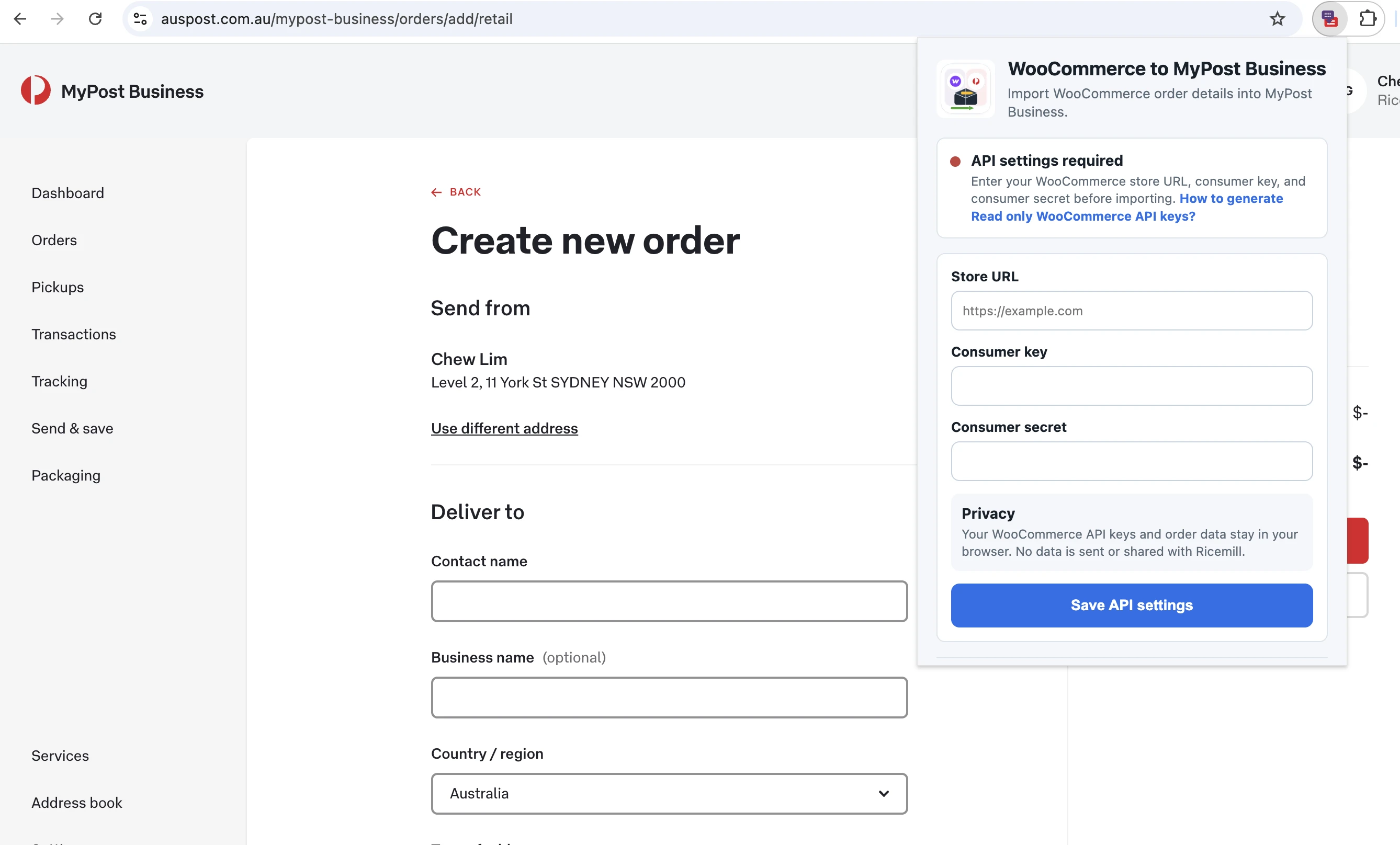
To use the extension, you’ll need a WooCommerce REST API key.
The extension asks for:
- Store URL
- Consumer key
- Consumer secret
A Read only WooCommerce API key is enough, because the extension only fetches order data. It does not write anything back to your WooCommerce store.
About Browser Permissions
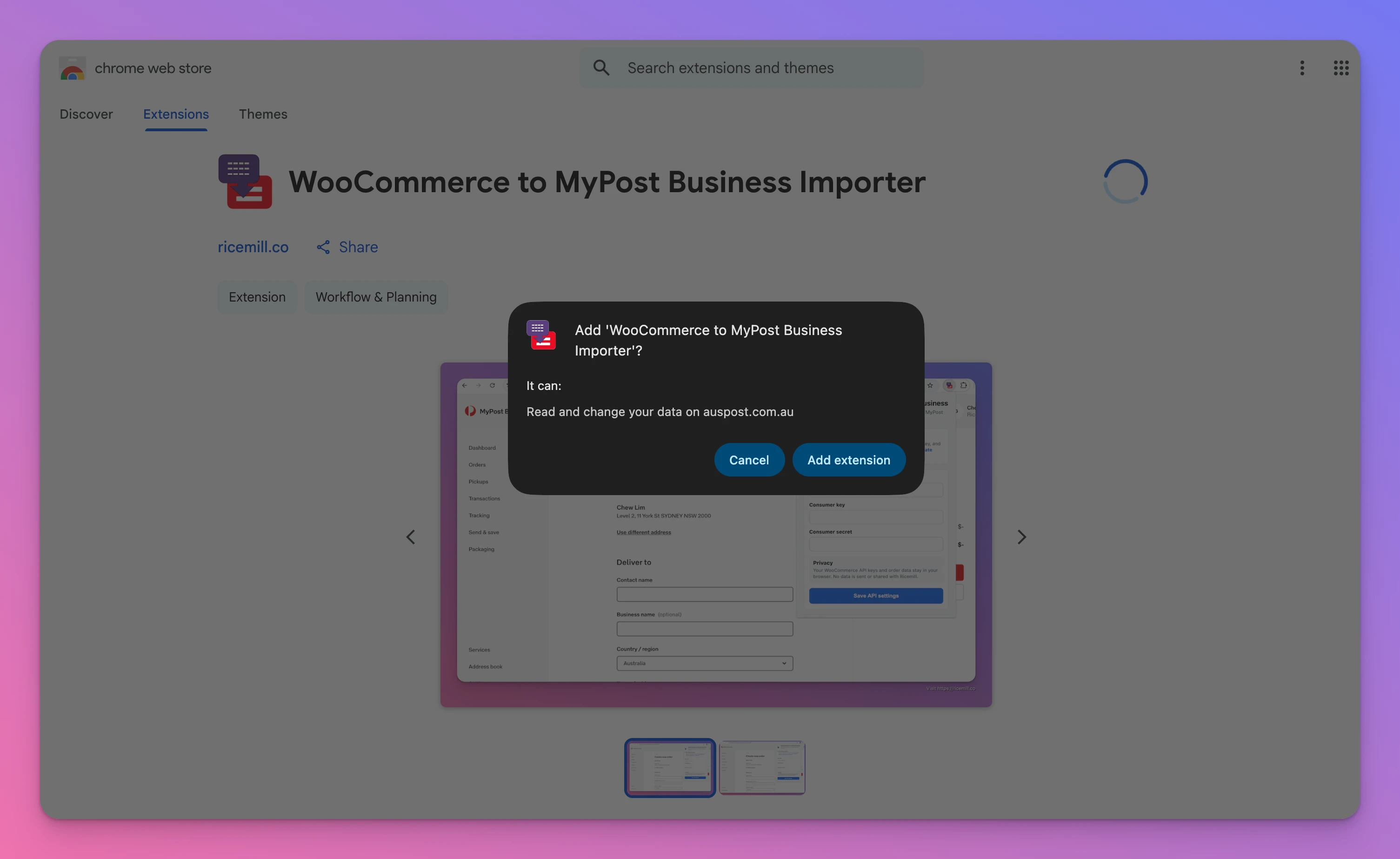
When you install the extension, Chrome will ask for permission to read and change data on auspost.com.au.
This permission is required so the extension can run on Australia Post MyPost Business pages and fill the shipping form after you click Import to MyPost Business.
The first time you fetch an order, Chrome may also ask for permission to access your WooCommerce store URL.
This is needed so the extension can request order details directly from your WooCommerce REST API. The permission applies to your own store domain, for example mytoysstore.com.au, and is only requested when you try to import an order.
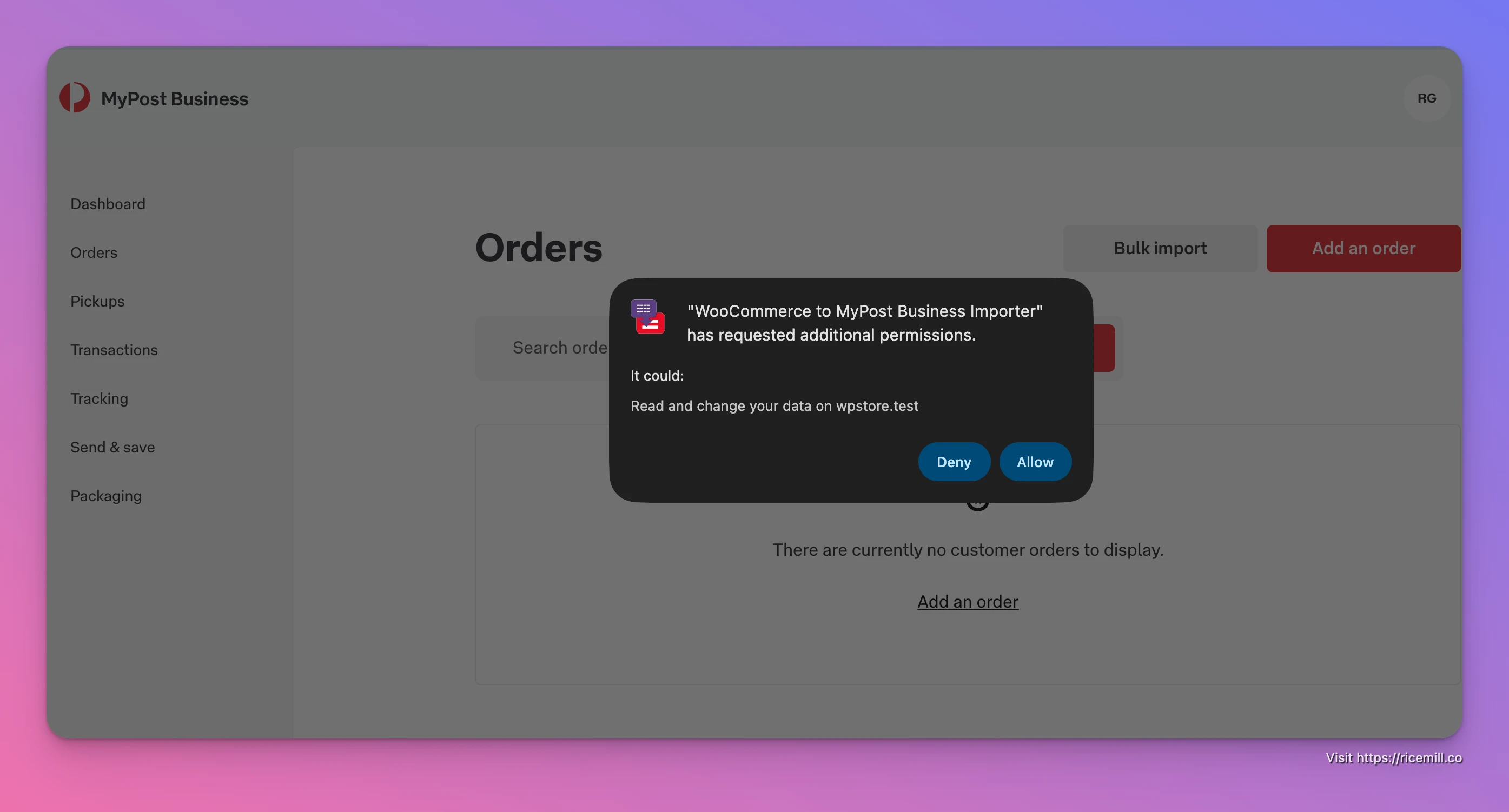
These permissions are used only for the import workflow. Your WooCommerce API keys and order data stay in your browser and are not sent to Ricemill.
Privacy First
Your WooCommerce API keys and order data stay in your browser.
No order data, customer data, or API credentials are sent to or shared with Ricemill, the developer of the extension. The extension only talks to your WooCommerce store and Australia Post MyPost Business as part of the import workflow.
Why I Built It
This extension started from a simple workflow problem: creating MyPost Business labels from WooCommerce orders involved too much copying and pasting.
For merchants processing orders manually, even a small reduction in repeated data entry can save time and reduce mistakes. The goal is not to replace your shipping workflow, but to make the manual MyPost Business flow faster and less annoying.
Current Status
This is an early version of the extension, focused on the core workflow:
- Configure WooCommerce API settings
- Open Australia Post
- Enter a WooCommerce order ID
- Import the order into MyPost Business
More improvements may come later as real-world usage highlights what needs polishing.
Try It
If you use WooCommerce and Australia Post MyPost Business, this extension can help make order entry quicker and cleaner.
Install the extension from the Chrome Web Store, connect your WooCommerce API keys, and start importing orders into MyPost Business with fewer copy-paste steps.