MyPost Business Common Issues and Errors
By Ricemill · Last updated: September 23rd, 2026
In this article:
MyPost Business Payment Issues 51006
Australia Post may occasionally experience temporary payment processing issues. If you encounter a payment error, please follow the steps below to resolve it.
51006 CREATE_LABEL_ERROR_SHIPMENT_NOT_READY: These labels cannot be printed because the order for shipment_id XXXXXXXXXXXXXXXX has not been paid. Please confirm payment for your order and then resubmit your print request.
51006: MyPost Business payment issue These labels cannot be printed because payment has not been completed for Shipment #.
Steps:
Check the Australia Post API Status page for any service disruptions before continuing
-
Wait 1–2 minutes, then try printing the label again.
-
If the issue persists, log in to your MyPost Business Portal.
-
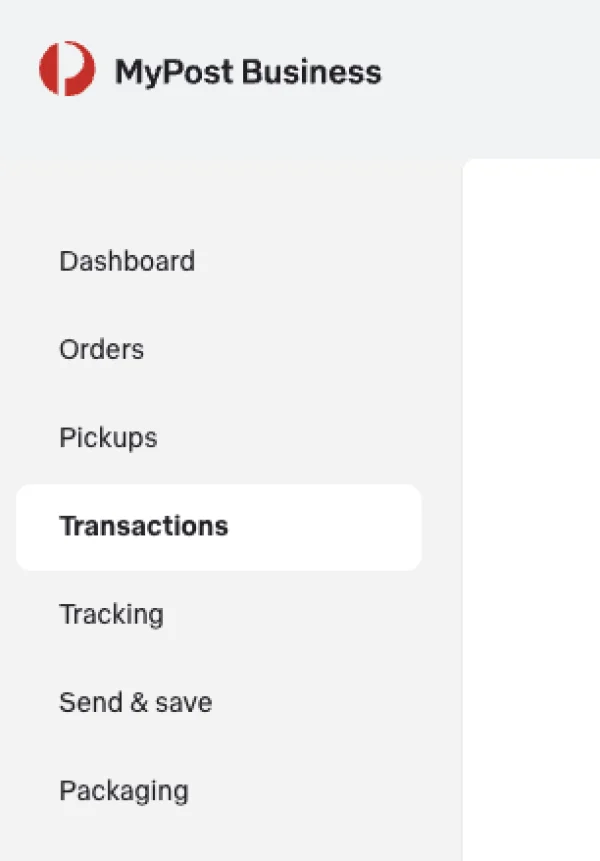
Check MyPost Business Transactions page.
- Open Transactions.
- If the label is listed, try printing it directly from this page.
- If it is not listed, continue to the next step.
-
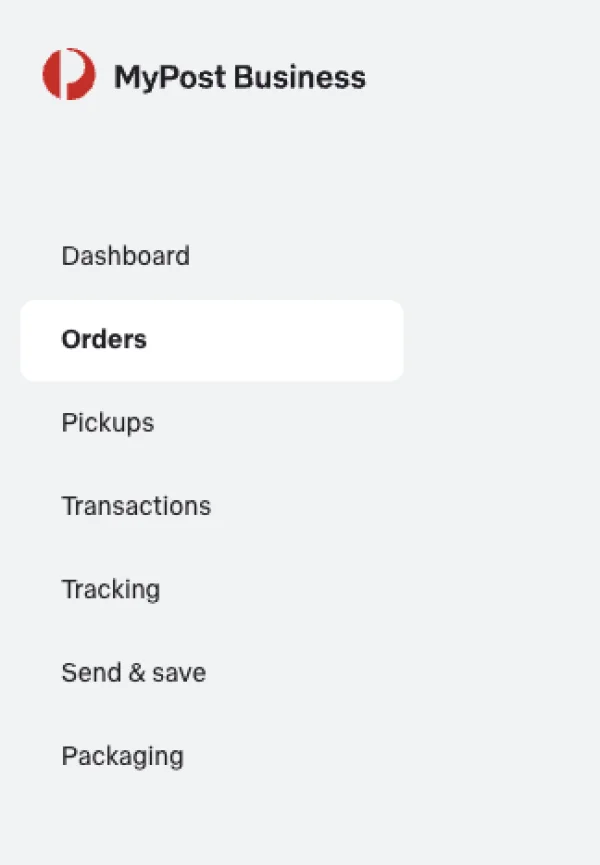
Check MyPost Business Orders page.
- Open Orders.
- There may be a notification from AusPost indicating a payment failure for your shipments. If so, click the "Try Again" link in the notification to retry the transaction and print your labels.
-
Print the label after payment succeeds.
- Once the transaction has been processed successfully, return to the Ricemill | Fulfilment app and print the label. This will reconcile the shipment information back to Ricemill and automatically update the shipment status in Shopify.
If the issue persists, check the Australia Post API Status page for any service disruptions, or contact MyPost Business Support for further assistance with the payment issue.