How to Pay MyPost Business Using PayPal
By Ricemill · Last updated: November 16th, 2026
In this article:
How to Pay MyPost Business Using PayPal
If you want to pay for a MyPost Business shipment using PayPal, create the shipment in Ricemill | Fulfilment first, then complete payment in the MyPost Business portal.
Steps:
-
Start fulfilling an order in Ricemill | Fulfilment.
-
Select the MyPost Business shipping service you wish to use.
-
Continue creating the shipment, but do not click Pay and Print in Ricemill | Fulfilment.
-
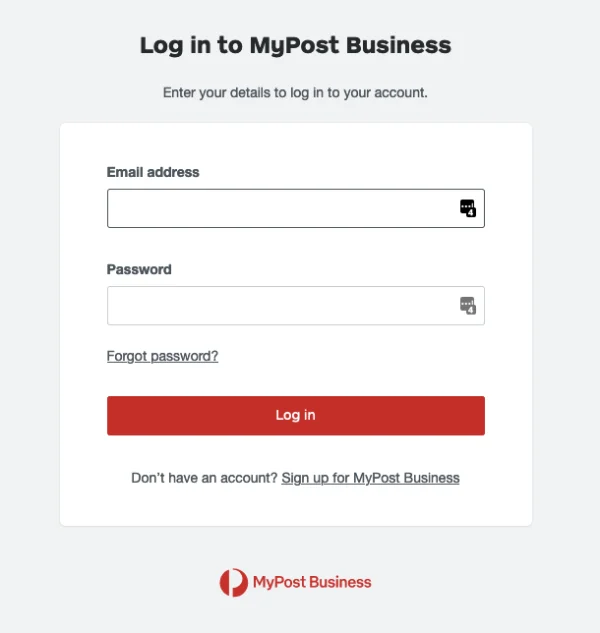
Log in to the MyPost Business portal.
-
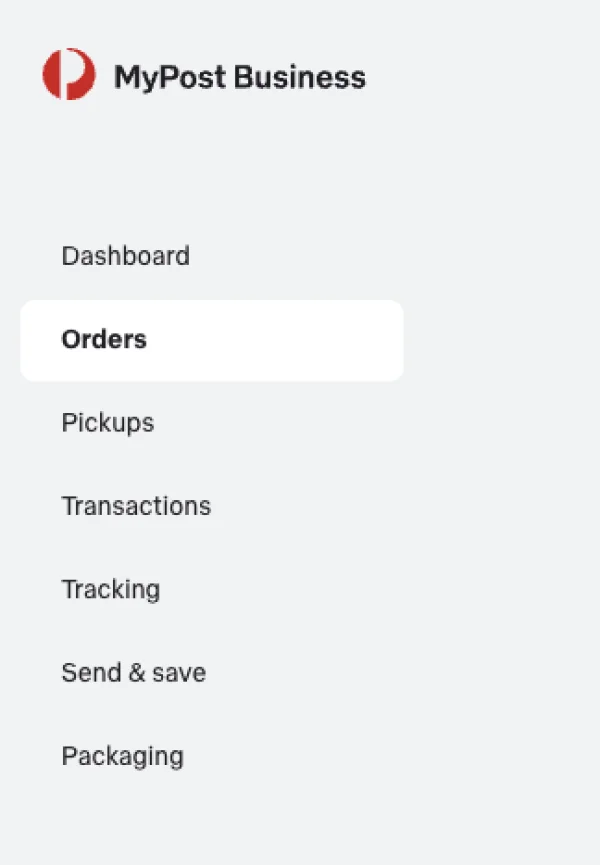
Find the shipment created from Ricemill | Fulfilment in MyPost Business Orders page.
-
Pay for the shipment using PayPal, then print the shipping label in MyPost Business.
-
Return to Ricemill | Fulfilment and reconcile the shipment.
-
Ricemill retrieves the shipment details from MyPost Business, marks the shipment as complete, and updates the fulfilment and tracking information in Shopify.